Review as a DBA
Edition: Community and Enterprise
For the database administrator who gives the technical approval. You judge the SQL, the dry run and the plans. You never see a value, not even masked.
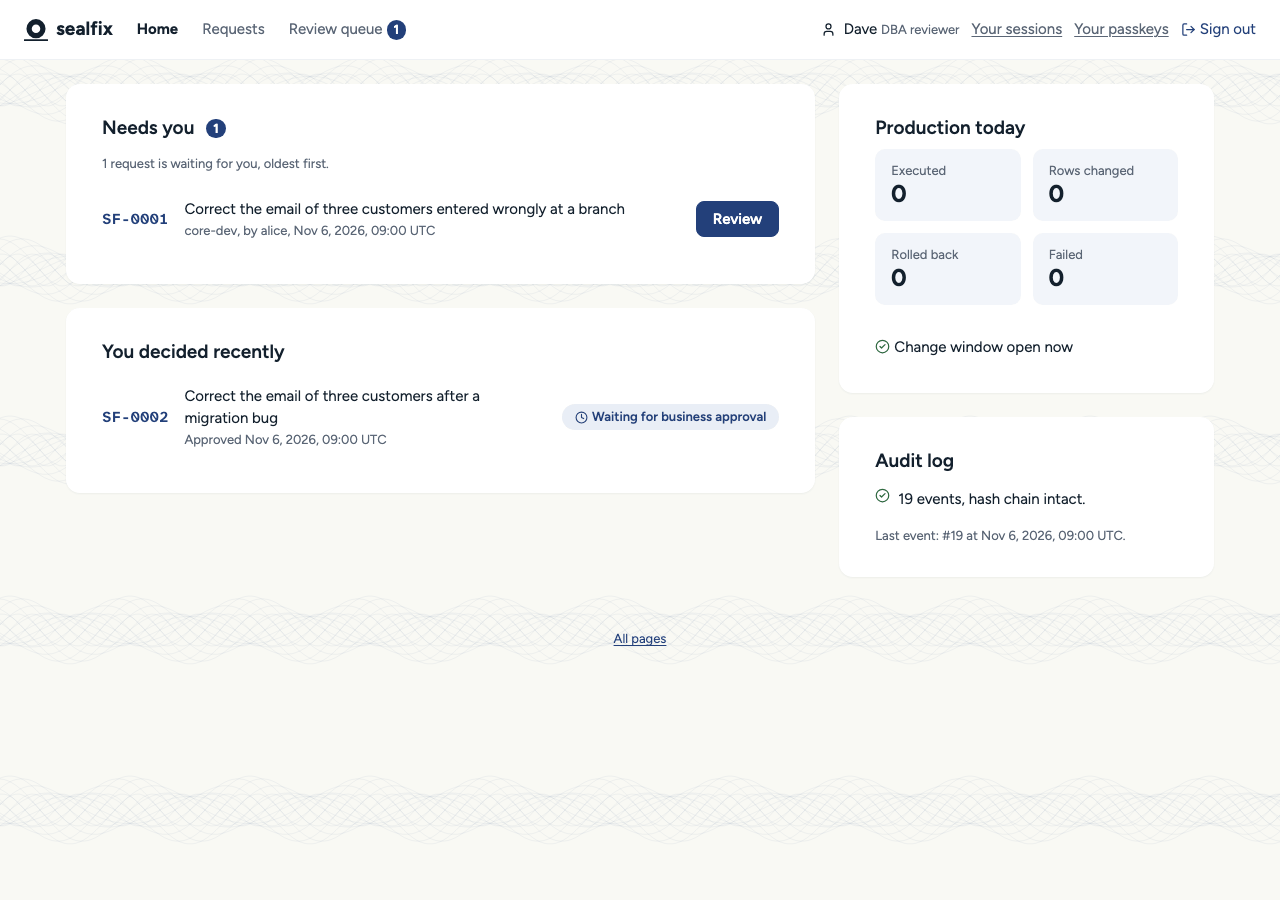
Find what waits for you
- "Review queue" in the top bar lists the requests waiting for you, with a count. Your own requests are never in it.
- "Home" lists the same under "Needs you", oldest first.
Read the request
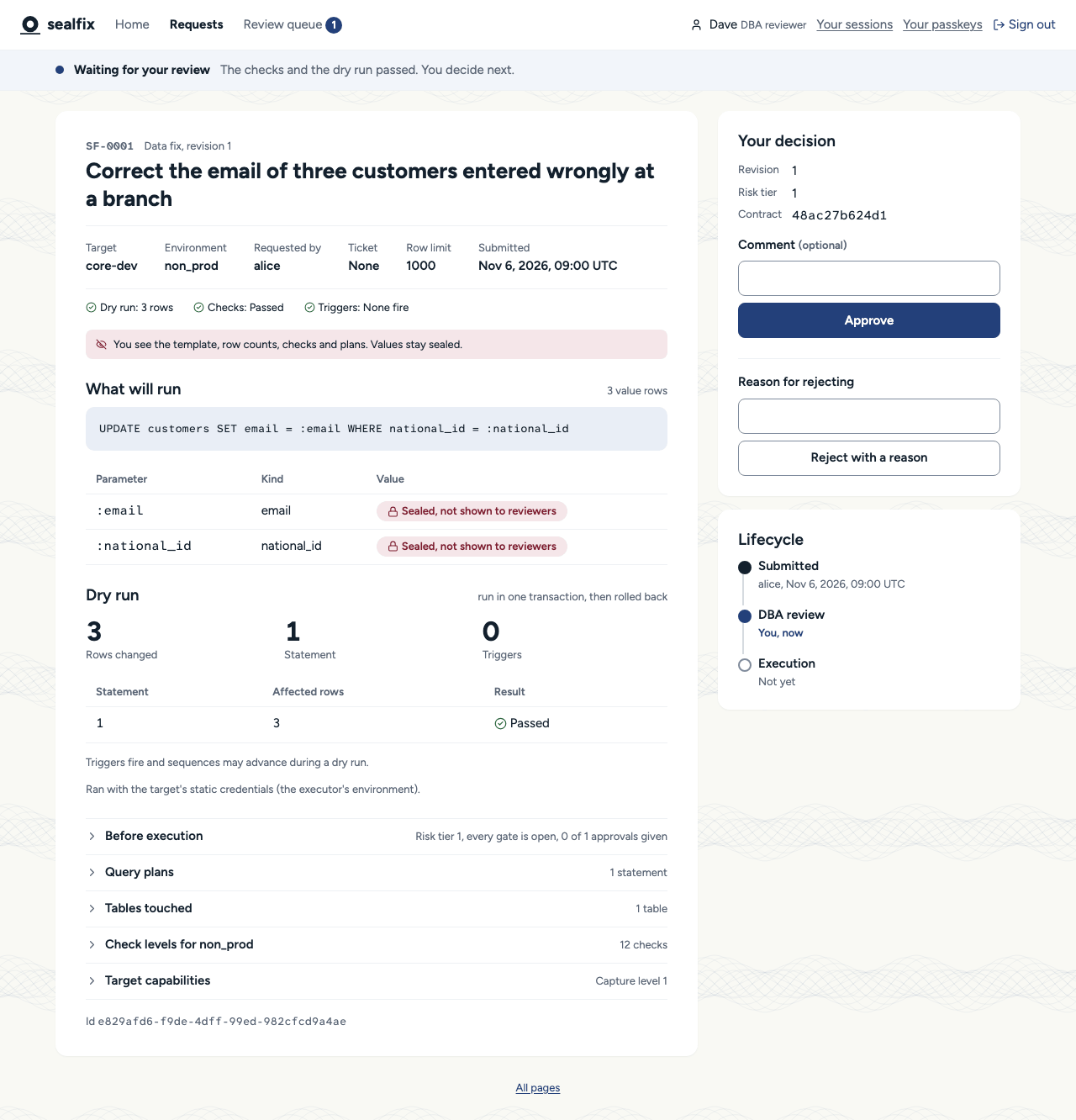
| Section | What it tells you |
|---|---|
| "What will run" | The template and each parameter's name and kind. Every value shows as sealed. |
| "Checks" | One line per finding: code, severity, statement. A request reaches you only when nothing failed; warnings are yours to weigh. |
| "Dry run" | The rows per statement, from a run that was rolled back. |
| Sample rows | Changed rows before and after. A cell bound to a parameter shows from :name. |
| "Query plans" | The plan of each statement on the target. |
| "Triggers" | The requester's decision for every trigger the fix fires. |
| "Before execution" | The risk tier, how many approvals each role still needs, and the gates. |
What to look for
- Is the
WHEREas narrow as the ticket says? - Does the row count match what the requester expects?
- Does the plan use an index, or scan a large table?
- Will a trigger change something a rollback cannot undo?
- Is there a primary or unique key, so the fix can be rolled back (check W1)?
Approve
In "Your decision", optionally add a "Comment", then select "Approve", or "Sign and approve" if your environment signs approvals with a passkey.
Reject with a reason
Write what must change in "Reason for rejecting" and select "Reject with a reason". The requester sees only this text, so say exactly what to change.
Decisions apply to one revision. If the requester edits the request while you read it, your decision on the older revision is refused and the new one comes back to you.